Headphones Review
Last Updated: October 6, 2026


- Automated Audio Downloader
- Integrable With NZBGet & SABnzbd
- Written in Python
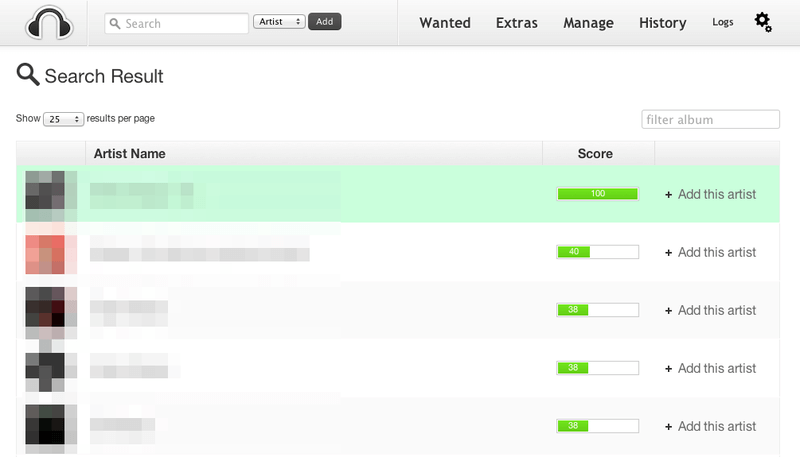
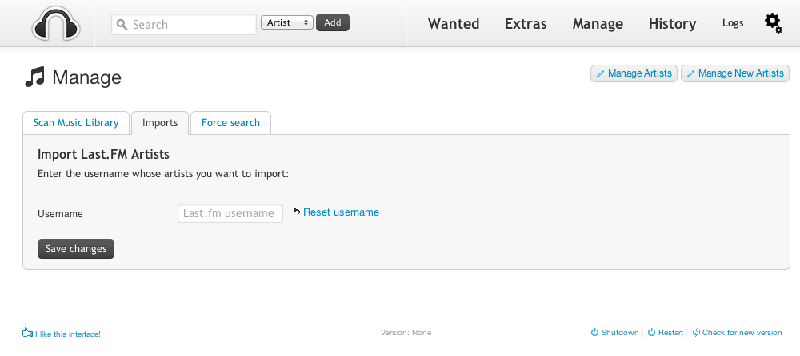
- Artist & Album Web Interface
Headphones is a free, open-source tool for automating music searches and downloads. It organizes artists and albums through a web interface and passes downloads to a separate client. The project README lists support for SABnzbd, NZBGet, Transmission, µTorrent, Deluge, and Blackhole.
Headphones is a separate project from Lidarr. If you are comparing music automation tools, the important questions are whether it works with your download setup and how much configuration you are prepared to handle.
Development Status
As of October 6, 2026, GitHub lists v0.6.4, released July 1, 2025, as the latest release. Its notes include fixes for manual post-processing and Deluge uploads, Gazelle improvements, and compatibility changes. Release activity does not guarantee that every external service or older installation guide still works.
Key Features
- Music automation for NZB and torrent workflows
- Integration with separate download clients
- MP3 and FLAC quality options
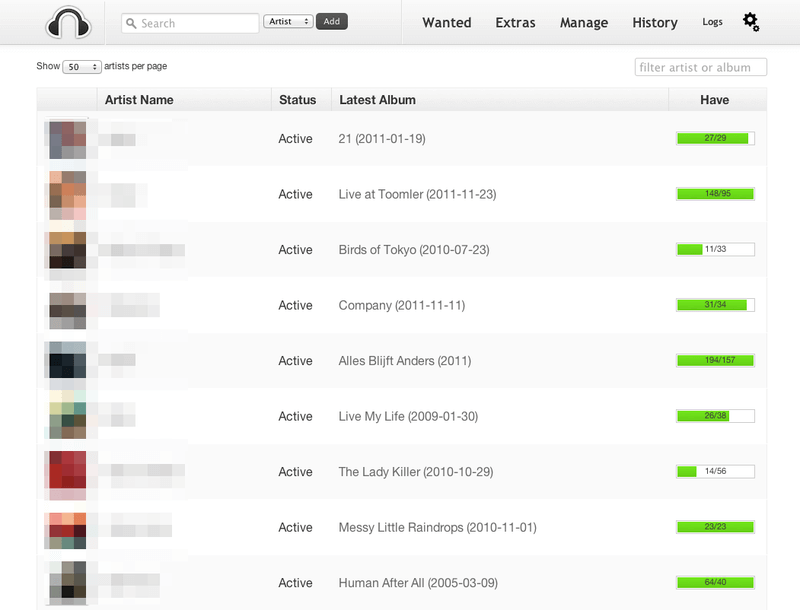
- Artist and album overview pages
- Metadata and post-processing settings
- Configurable notifications and search intervals
- Browser-based interface
Installation: Check the Current Requirements
Headphones runs from Python source rather than a conventional one-click installer. The current startup script states a minimum of Python 3.7. That minimum is not a recommendation to install an old Python release; check compatibility with your chosen version before setting up the application.
The installation wiki describes downloading or cloning the repository and running python3 Headphones.py. The web interface normally uses port 8181. Parts of the wiki are dated, including older Python instructions, so compare them with the current source.
The previously recommended Docker image is supplied by LinuxServer.io, rather than the Headphones project. LinuxServer’s repository now labels that image deprecated, unsupported, and no longer updated. It should no longer be presented as the default installation route. Likewise, older NAS and Raspberry Pi guides need checking against your device and operating system.
How the Download Setup Works
For Usenet, configure your provider’s server address and credentials in SABnzbd or NZBGet. Headphones connects to that download client using its connection settings and API credentials. Configure your NZB search sources separately in Headphones; the software does not include a Usenet subscription or indexer membership.
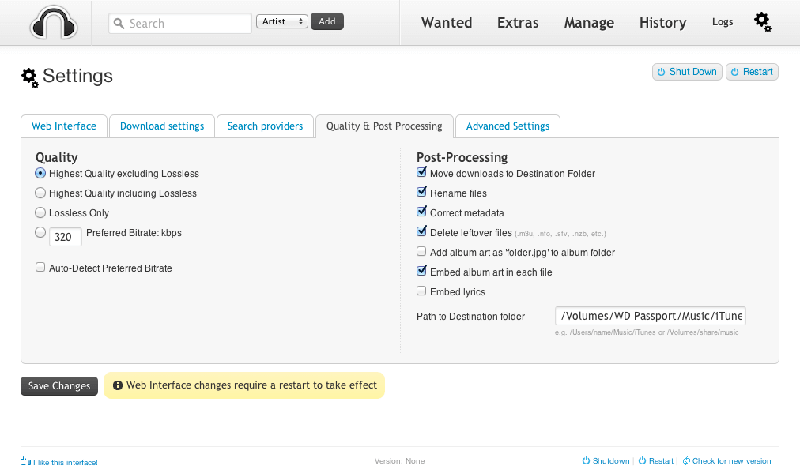
Next, set your music library and completed-download paths, choose your quality preferences, and review the metadata and post-processing options. Make sure Headphones can access the files produced by the downloader. Test with one album before enabling a larger automated queue so you can check searching, downloading, and file handling together.
Headphones or Lidarr?
Lidarr is another music library automation tool, with artist monitoring, quality profiles, and download-client integration. It is worth comparing if you already use Sonarr or Radarr and want a similar workflow for music.
Headphones may suit users who already have it configured or prefer its artist and album interface. For a new installation, compare both projects’ documentation and compatibility with your services. A feature list alone will not tell you which one handles your library more successfully.
Pricing and Support
The application is free software under GPL v3. Usenet access and any paid indexer services are separate costs. Optional external services should also be assessed separately; free software does not mean every connected service is free.
Start with the project wiki and existing GitHub issues when troubleshooting. Include relevant logs when reporting a problem, as requested in the project README. Community help should not be treated as a guaranteed support service.
Conclusion
Our three-star rating reflects a useful music automation tool with setup limitations. Headphones offers configurable searches and post-processing, but manual installation, dated guidance, and the deprecated Docker image make it harder to recommend without qualification.
If your existing setup works, there is no need to change tools solely for a different interface. For a fresh installation, compare Headphones with Lidarr and test your chosen search sources and download client before relying on unattended automation.