Mimo Review
Last Updated: Jan 26, 2022
| Rating |  |
| Price | free |
| Retention | 500 Days |
| Free Trial | None |
| Features | Usenet Browser and Newsreader |
| Auto UnRAR and PAR Technology | |
| Servers Optimized for Speed |
Mimo is a Usenet browser and newsreader that was designed to be as flexible as possible. It runs on different versions of Mac and Windows but is not compatible with Linux. This newsreader is easy to use and has a simple and modern looking interface that can be enjoyed by almost every Usenet user. If you are not familiar with Usenet and newsreaders, then Mimo might be what you’re looking for.
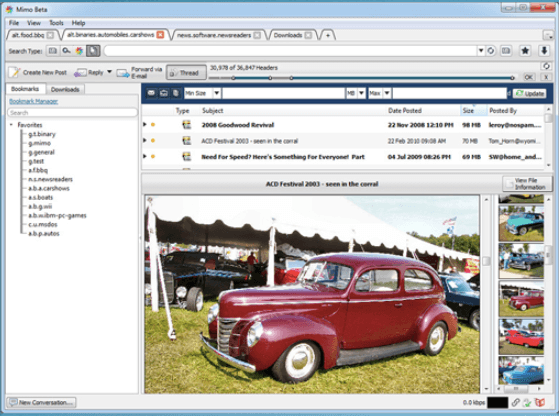
The tabbed interface has an intuitive design, and you can search for the binaries and articles you want and get a results screen that can be sorted according to different criteria.
Mimo was built to accommodate long retention times and has two search engines integrated in its system: Mimo Usenet Search and NZBIndex Search.
Editor's Tip: : Easynews is our top choice for quality Usenet search. It is an all-in-one service that includes everything needed to get up and running with Usenet:
- Unlimited Usenet access
- Highest quality retention (and growing)
- Built-in search interface with fast, accurate results and search previews
- Search Usenet without NZBs
- No software needed
Highlighted Features
As a full featured newsreader, Mimo has several good features that provide users the best Usenet experience possible.
- Optimized for Faster Downloads, Searches, and Browsing
- Optimized Search for Long Retention News Servers
- Integrated Image Thumbnail Viewing
- Filtering on Text, Binaries and Images
- Auto unRAR and PAR technology
- Integrated Giganews Accelerator Technology
- Integrated Golden Frog Usenet Search
- Servers Optimized for Speed
- Binary Searches Across All Groups
- Subject-Based Binary Searches
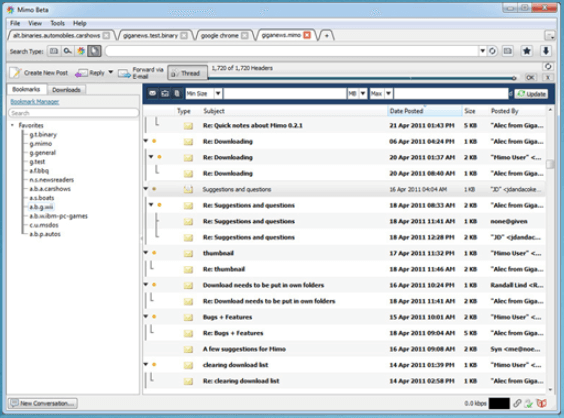
Mimo indexes Giganews’ full retention of 3+ years of binaries and 17+ years for text. And while Mimo is optimized for speed and can utilize multiple connections, please note that the number of connections you use does not mean faster downloads.
Plans & Pricing
You can download Mimo for free from the Mimo Usenet website.
Mimo was initially a free feature that you get when you subscribe to a Giganews subscription, which costs $12.50 a year. However, since the discontinuation of the further development of this software, Giganews has let go of Mimo and will most likely be phased out in the future.
Usage Overview
With its simple and clean interface, Mimo is one of those newsreaders that can be easily used by anyone. The process of installing it on your Windows or Mac device is as basic as how you would install any other application. According to its website, Mimo is optimized for Giganews and should come pre-configured with Giganews server details once you’ve installed it. However, it can also supportother Usenet service providers.
Installation
To install on your Mac device, you should have an operating system version of 10.6 or later. You can download a Mimo Mac installer from their website and then open it from the downloads folder. Follow the usual steps as seen on the installation prompt.
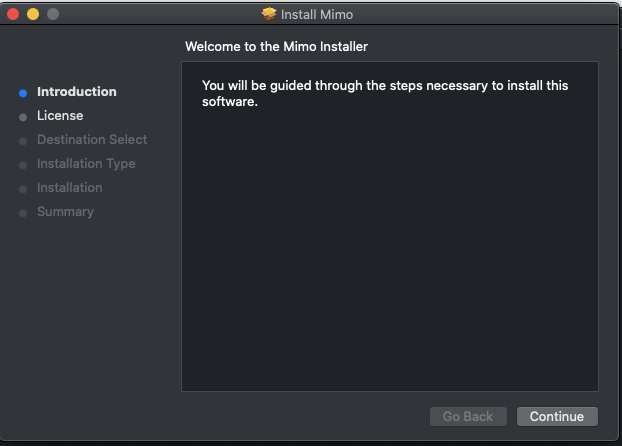
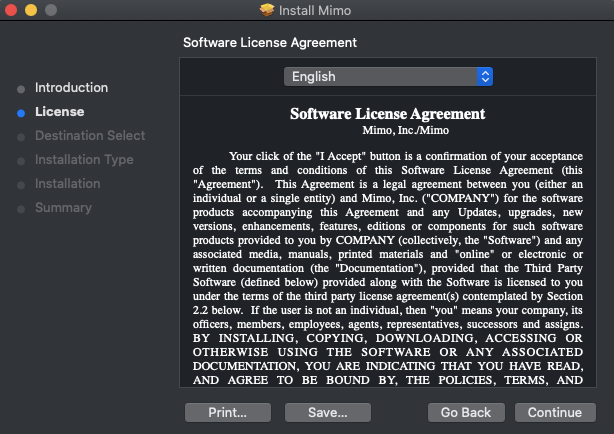
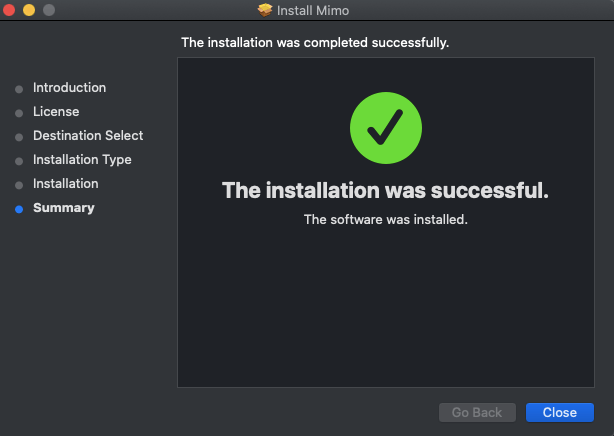
A similar process applies for Windows installation. Simple download a windows installer (.exe) from the Mimo website and follow the steps stated on your set-up wizard. Once you’re done downloading, you can set up a shortcut on your desktop to easily access the software.
Configuration
Mimo allows you to configure several settings according to your preference. Initially, you would have to configure your server settings according to your chosen Usenet provider. Mimo would be preconfigured with Giganews details. You would need to enter your username and password to access your provider’s server. Make sure you use an SSL enabled port to keep your download activity secure and anonymous.
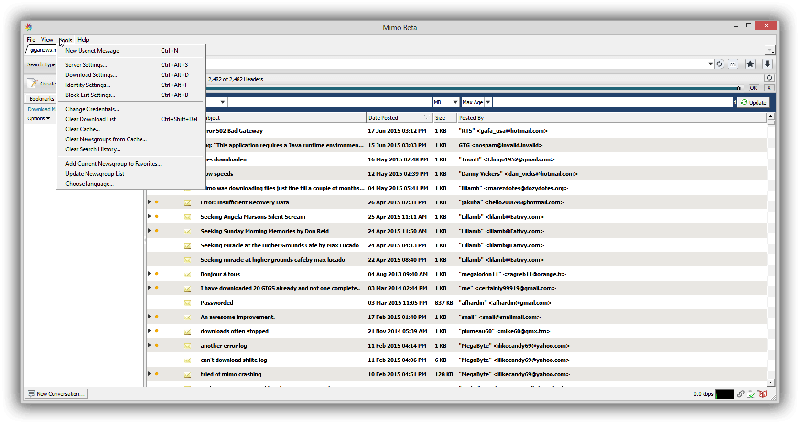
You can also explore other configurable settings through the tools tab of the Mimo interface. This includes download settings, identity settings, and block list settings.
Scheduling & Automation
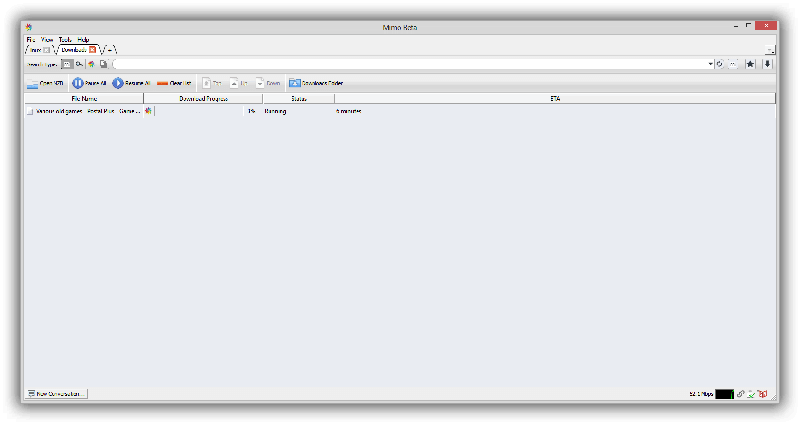
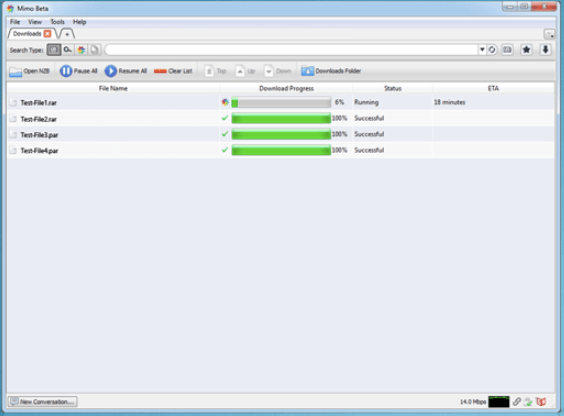
Mimo has an advanced download management feature that queues multiple downloads and allows you to adjust priorities by using available connections. You can also easily view your progress and automatically resume interrupted downloads.
Usability
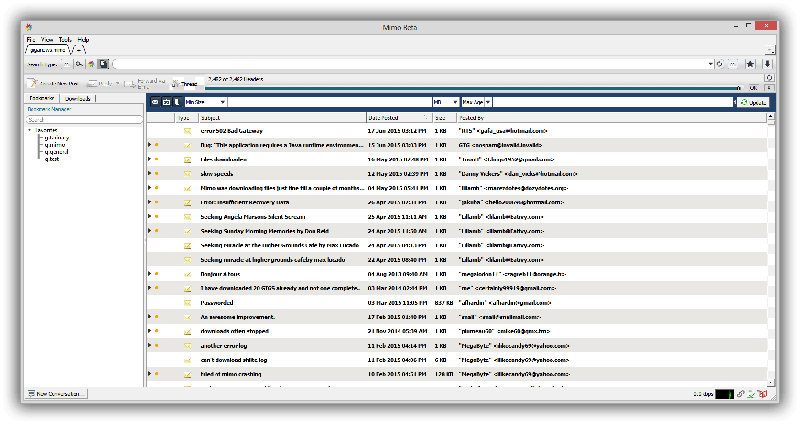
As previously mentioned, Mimo has a clean interface whether you are using a Mac or Windows device. It is highly customizable and configurable according to a user’s preference. Its main screen has a simple look that allows users to easily explore the program and go through the features and functions with efficiency and convenience.
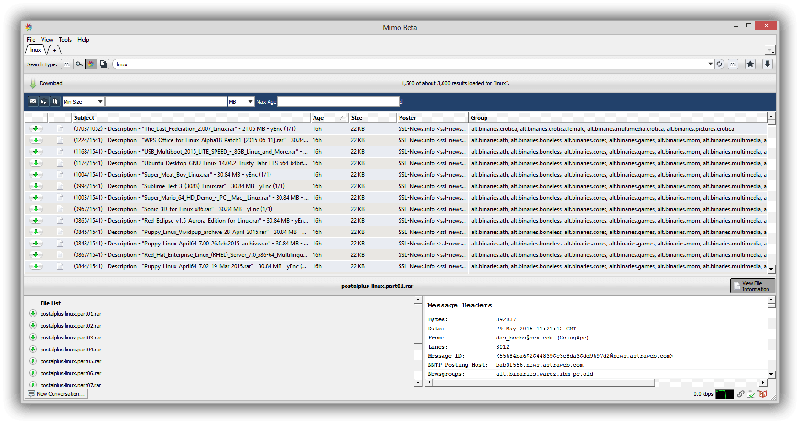
Its search screen is divided into several windows that show messages, headers and file lists for easier browsing and downloading.
Conclusion
While Mimo has a lot of good things going for it, this newsreader is feared to be phased out, eventually. With Giganews abandoning this software and with further development ceased since 2012, Mimo may not be able to compete well with updated and the best newsreaders in the industry. That being said, while Mimo is still around, it is definitely worth checking out for its simple and clean interface and the features it has that provide convenience to a lot of Usenet users.