GetNZB Review
Last Updated: Jan 26, 2022
| Rating |  |
| Price | $16.85 |
| Retention | 4000 Days |
| Free Trial | None |
| Features | NZB Downloader With Free Usenet Access |
| Integrated Search Engine | |
| NNTP Access |
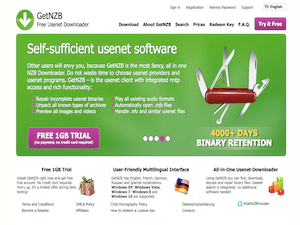
GetNZB is quite different from other NZB downloaders in the market today. While other Usenet clients require you to have a subscription to a Usenet service provider, GetNZB provides its own free Usenet access. On top of that, all their premium account holders can download from Usenet unlimitedly. Currently, they offer up to 4000+ days of binary retention and give users access to the best NZB search engines, which are automatically built into their system.
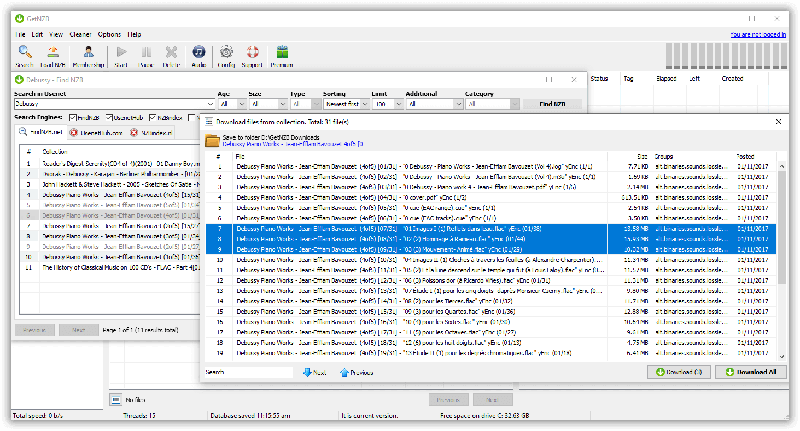
GetNZB is considered as an all-in-one Usenet downloader since it is able to find, download, decode and repair binary files. And as mentioned, Usenet search is already integrated, so there is no need for any additional software. This Usenet downloader is only available for Windows operating system.
Editor's Tip: : Easynews is our top choice for quality Usenet search. It is an all-in-one service that includes everything needed to get up and running with Usenet:
- Unlimited Usenet access
- Highest quality retention (and growing)
- Built-in search interface with fast, accurate results and search previews
- Search Usenet without NZBs
- No software needed
Highlighted Features
GetNZB currently supports multiple Windows platforms like Windows 7, 8, 10, Vista and XP. It has a user-friendly interface that supports multiple languages including English, French, German, Russian and Spanish.
GetNZB has a wide array of features that make it stand out from other NZB downloaders out there.
- Intuitive content navigation and browsing interface
- Integrated NZB Search Engine
- Integrated PAR2 repair tool
- Unlimited and Free Usenet access
- Integrated NNTP Access
- Unpacks all known types of archives
- Preview all images and videos
- Play all existing audio formats
- Automatically opens .nzb files
- Handles .nfo and similar Usenet files
- User-friendly multilingual interface
- 4000+ days of binary retention
- Free Trial with no credit card information required
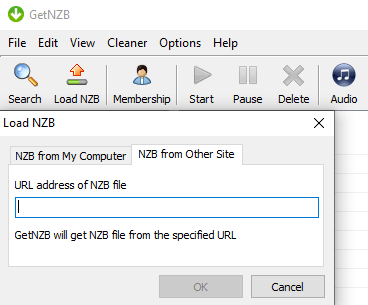
Get NZB also allows users to get NZB files from other sites by entering the URL address of the NZB file. Its current version, 1.404, is capable of checking multiple sources for that file and keeps retrying until it finds all its parts. One of the key features that this client advertises is that it continues to look for missing parts of your files, ensuring that, if it cannot find them, the file is simply not there. The newsreader also allows you to search through verified files, making it easy to avoid the spam that tends to get uploaded to the USENET system sometimes.
Plans & Pricing
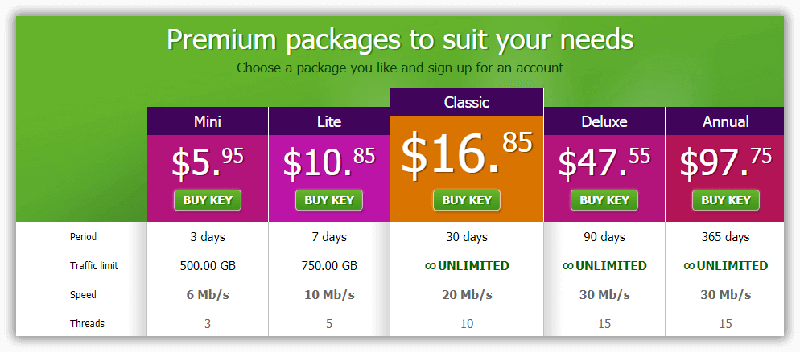
GetNZB offers premium packages that vary in traffic limit, period of access, speed and maximum number of connections. They accept credit card payments as well as Bitcoin, Sofortueberweisung and other local payment options.
Free Trial Information
GetNZB has a 1GB Free trial that does not require users to give any credit card details. Please note that this free trial is only a limited offer during Beta testing.
Usage Overview
GetNZB is only available for Windows platforms. As of writing, it is also said that GetNZB will soon be available for MacOS.
This NZB downloader is pretty easy to install and use. With just a few simple steps, you can easily start using the program and its simple interface is perfect for navigation and browsing.
Installation
To install this software, you would need to have a Window XP, Vista, 7, 8 or 10 version. You can download either a .exe file or a .zip file from the GetNZB website to install the program.
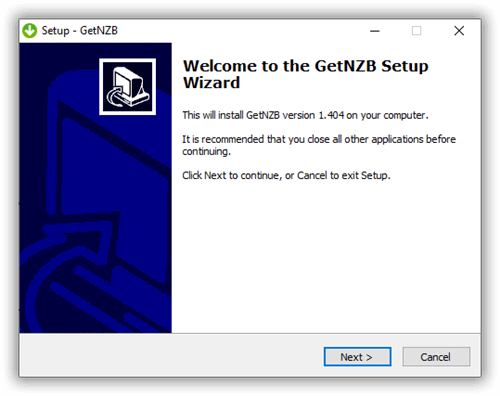
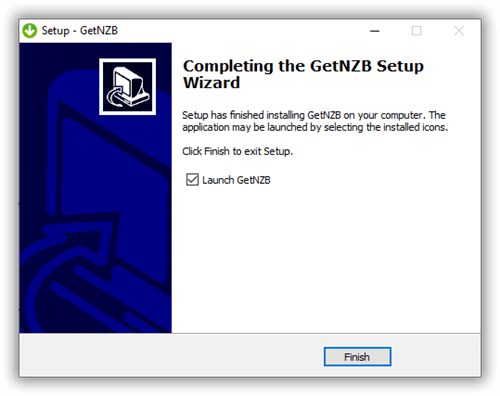
There is nothing complex about the whole installation process. Simply open the downloaded file and follow the instruction as stated on your computer’s setup wizard. Once you’re done, just launch the program and you’re good to go.
Configuration
There are no server settings that need to be configured when you use GetNZB for the first time. Since the program comes with free Usenet access, it comes pre-configured with its own server information. Other server details, like the number of connections and the speed your program is limited to, would depend on the package you purchased from GetNZB.
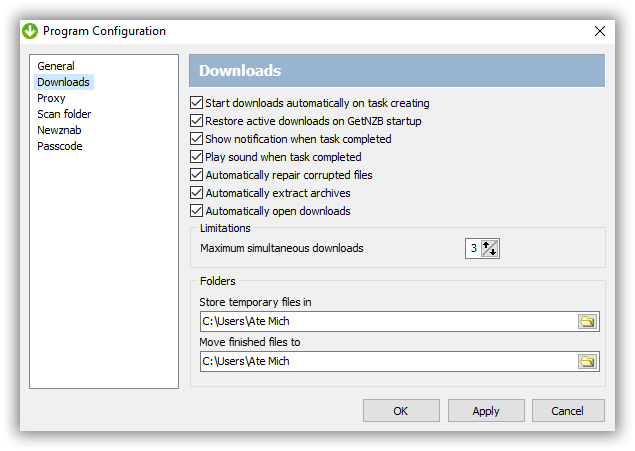
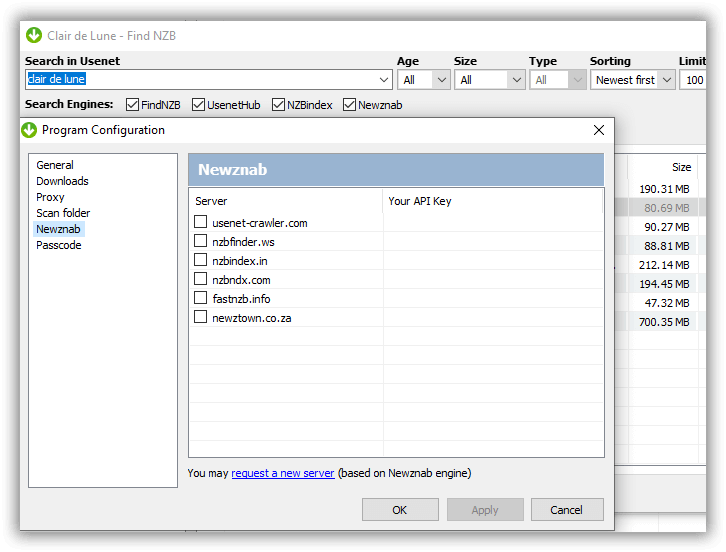
You can, however, configure your download settings by enabling or disabling several commands from starting downloads automatically to automatic extraction. On the program configuration, you can also check out other sections like the General settings, Proxy and Scan folder, to name a few.
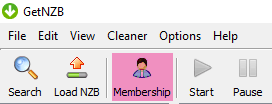
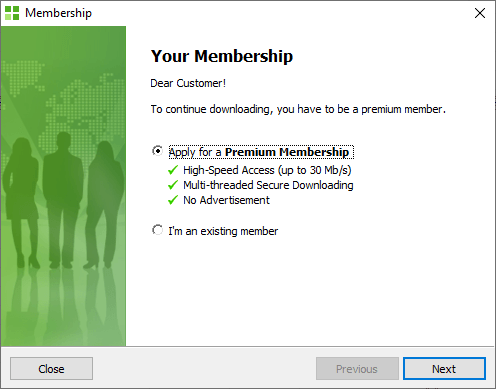
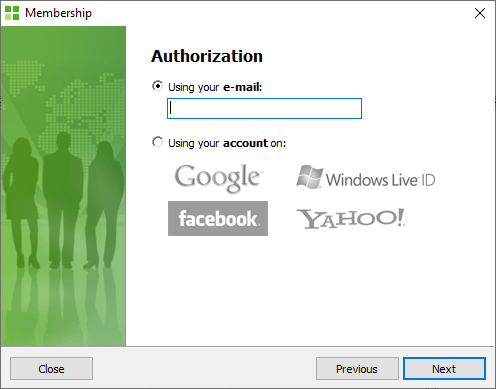
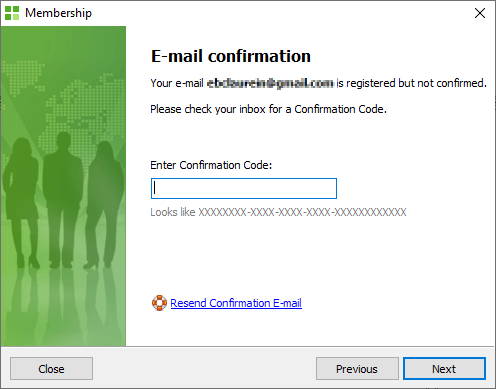
If you are currently using the free trial and would like to upgrade to a premium account, you can upgrade your membership by clicking on the “membership” icon and just follow the necessary steps.
Scheduling & Automation
Automated functions can be disabled and enabled on the download configuration. This includes automatic downloading, automatic repair and extraction, and opening of downloads as soon as they’re ready. Users can also set limits on the number of simultaneous downloads.
GetNZB also has an Auto Shutdown feature that allows you to either hibernate, standby, or shut down your computer when downloading is complete.
Usability
GetNZB is easy to use and has a simple and clean interface. And since it has search engines integrated into its system, browsing for files and downloading them is really convenient. You even have the option of downloading NZB files from a different site by entering the URL of a particular file.

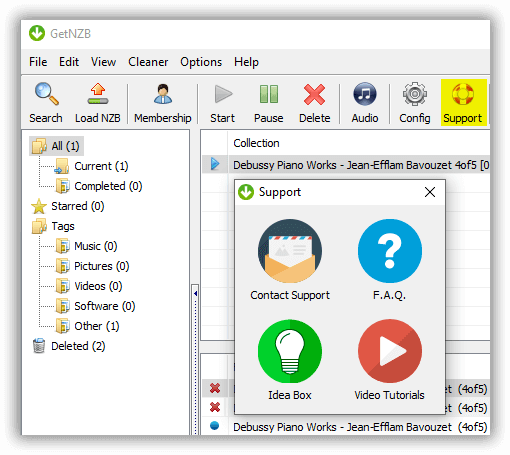
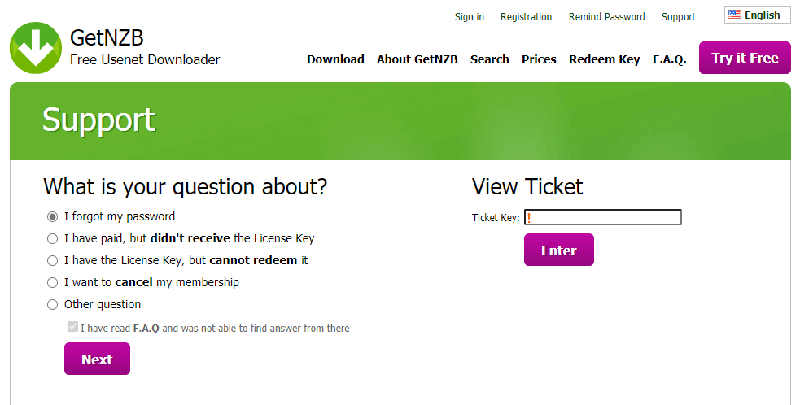
GetNZB also provides great customer support by providing users with useful options like FAQ’s, tutorials and support ticket submissions.
Conclusion
This Usenet client performs in the same manner as other popular NZB downloaders. But while popular downloaders like SABnzbd and NZBGet is a free program that requires Usenet access to use, GetNZB works in a reverse fashion by requiring you to pay for a premium account that comes with a free Usenet access. If you think about it, it is pretty much the same if you paid for a Usenet subscription and then use a free NZB downloader. Regardless of that, between its integrated search features, preview capabilities and multilingual interface, GetNZB has a lot of nice features that go well with the Usenet service. Their pricing structure is also not bad, and they even offer a free trial if users would first want to test out both the NZB downloading function and the Usenet access offer. If this Usenet client doesn’t seem like the right fit for you, make sure to check out our list of newsreaders to see which one suits your needs.